Skip to content
Artinox

Artinox is an AI creative studio for image generation, video generation, image-to-video workflows, prompt assistance, social content, background removal, and high-fidelity upscaling.

Create

  • AI Image Generator
  • AI Video Generator
  • Social Media Studio
  • Upscaling
  • Background Removal
  • Community

Explore

  • Guides
  • Models
  • Pricing
  • About
  • Contact
  • Popular guides
    • One-Click Pro
    • Prompt Guide
    • Seedance 2.0 Guide
    • Image to Video AI
  • Featured models
    • GPT Image 2
    • Nano Banana Pro
    • Seedance 2.0

Connect

contact@artinox.ai

Kadaka tee 42b, Mustamäe linnaosa
Tallinn, 12915, Estonia

Join the inner circle

© 2026 Artinox. Operated by LJ Capital OÜ.

ImprintCancellationEE Hub
Create ImageStill images only

AI Image Generator for Beginners

Create still images from prompts and reference photos with beginner-friendly guidance, GPT Image 2, Nano Banana, and One-Click Pro prompt help. If you want motion, animation, or cinematic clips, switch to Create Video instead.

Need video instead? Open Create Video
SWITCH TO PRO ✨
Powered byGPT IMAGE 2
01

Upload References (Max 6)

FILE 1
+

REFERENCE IMAGE

PNG or JPG
MAX SIZE: 10MB
CTRL + V TO PASTE

FILE 2
+

REFERENCE IMAGE

PNG or JPG
MAX SIZE: 10MB
CTRL + V TO PASTE

FILE 3
+

REFERENCE IMAGE

PNG or JPG
MAX SIZE: 10MB
CTRL + V TO PASTE

FILE 4
+

REFERENCE IMAGE

PNG or JPG
MAX SIZE: 10MB
CTRL + V TO PASTE

FILE 5
+

REFERENCE IMAGE

PNG or JPG
MAX SIZE: 10MB
CTRL + V TO PASTE

FILE 6
+

REFERENCE IMAGE

PNG or JPG
MAX SIZE: 10MB
CTRL + V TO PASTE

02

Write your prompt

You can write prompts in any language.

The Power Of One-Click ProOn

Upgrade your prompt automatically. Switch this on to let our AI polish your vision for the highest fidelity output.

03

Size

04

Versions

1/5
GPT Image 2
AI Image Generator

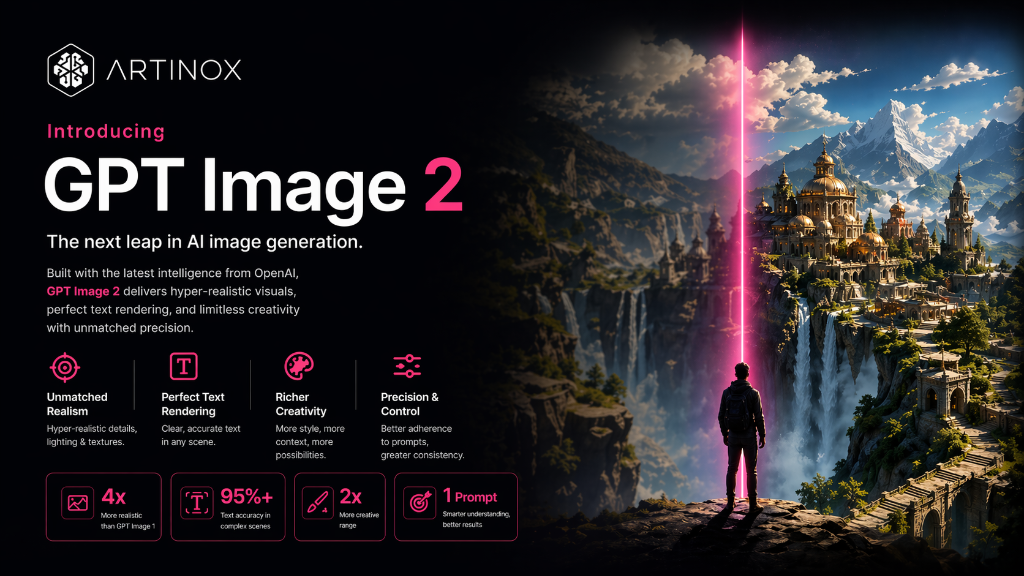
Create Professional AI Images in Seconds with GPT Image 2

Experience the next generation of AI image creation. Artinox.ai combines the raw power of GPT Image 2 with intuitive tools like One-Click Pro to help you reach a masterpiece with fewer retries. Start for free and unlock your creative potential today.

Smart prompt assist

The Power of One-Click Pro

The One-Click Pro

Not everyone is great at writing prompts. That is where Artinox.ai helps.

When The One-Click Pro is on, Artinox rewrites and expands a simple idea into a stronger master prompt before GPT Image 2 generates the image. That means fewer wasted generations, cleaner composition, better in-image text, and stronger lighting without making the user learn advanced prompt structure first.

It is a practical shortcut for beginners, marketers, founders, and creators who want better results with less trial and error. The feature is already native to the workspace above, so the page should make its value obvious immediately.

Builds a stronger prompt automatically
Improves layout, lighting, and scene direction
Helps users reach a usable result with fewer retries
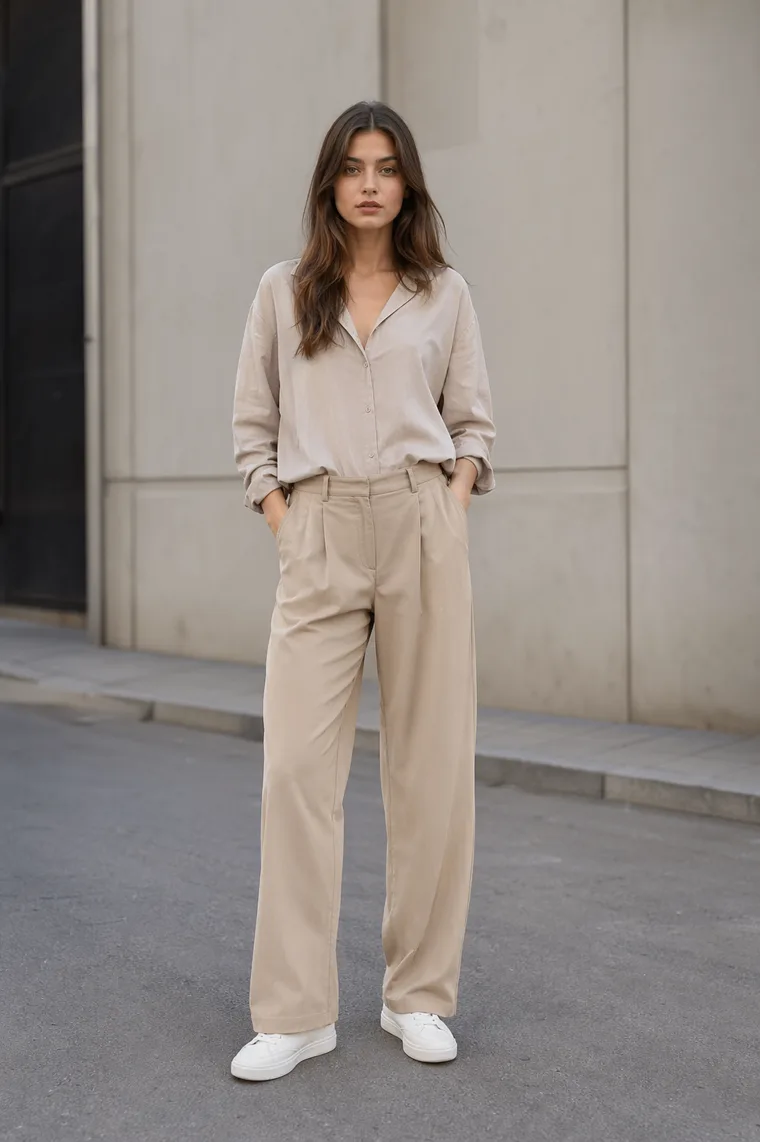
A centered fashion character in a simple scene with limited environmental detail.
Basic prompt result
What a shorter, weaker prompt tends to produce

The character lands in the middle with a simpler scene, lighter direction, and less useful detail for commercial output.

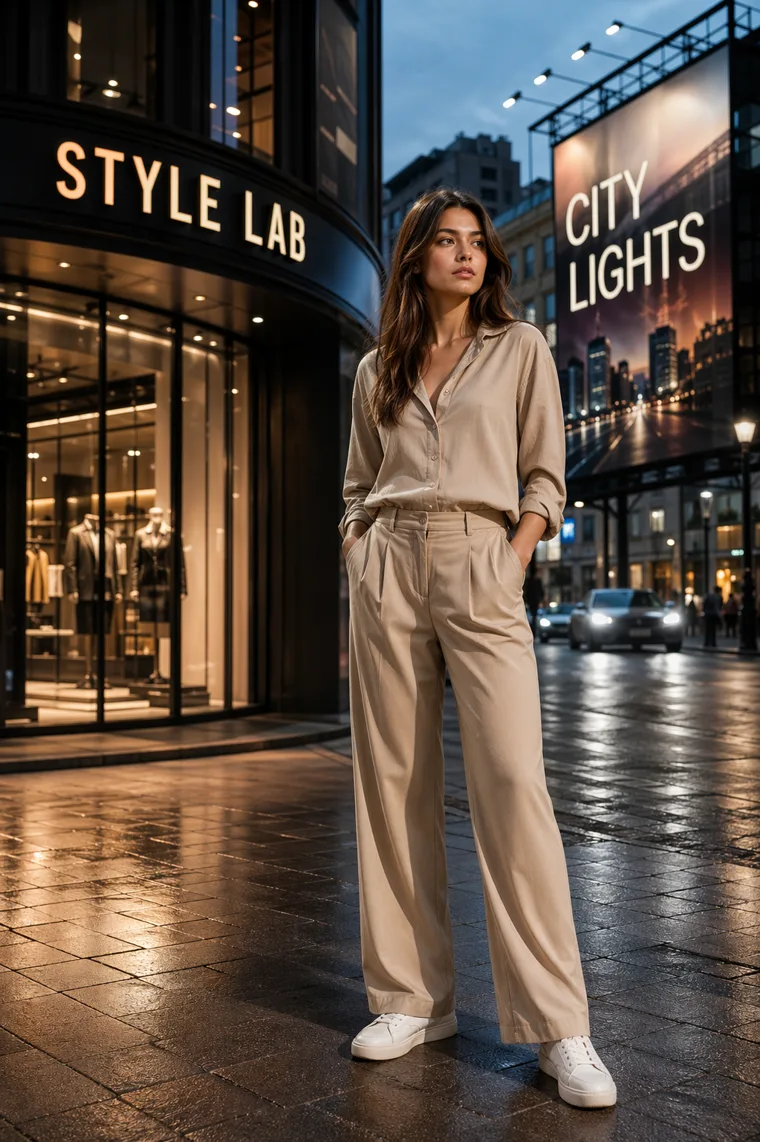
An off-center fashion character in a premium city scene with readable signage and professional lighting.
The One-Click Pro result
What happens when Artinox expands the prompt for you

The composition gets smarter, the character shifts into a stronger frame, text appears in-scene, and the lighting feels campaign ready.

Why GPT Image 2

Why Use GPT Image 2 on Artinox.ai

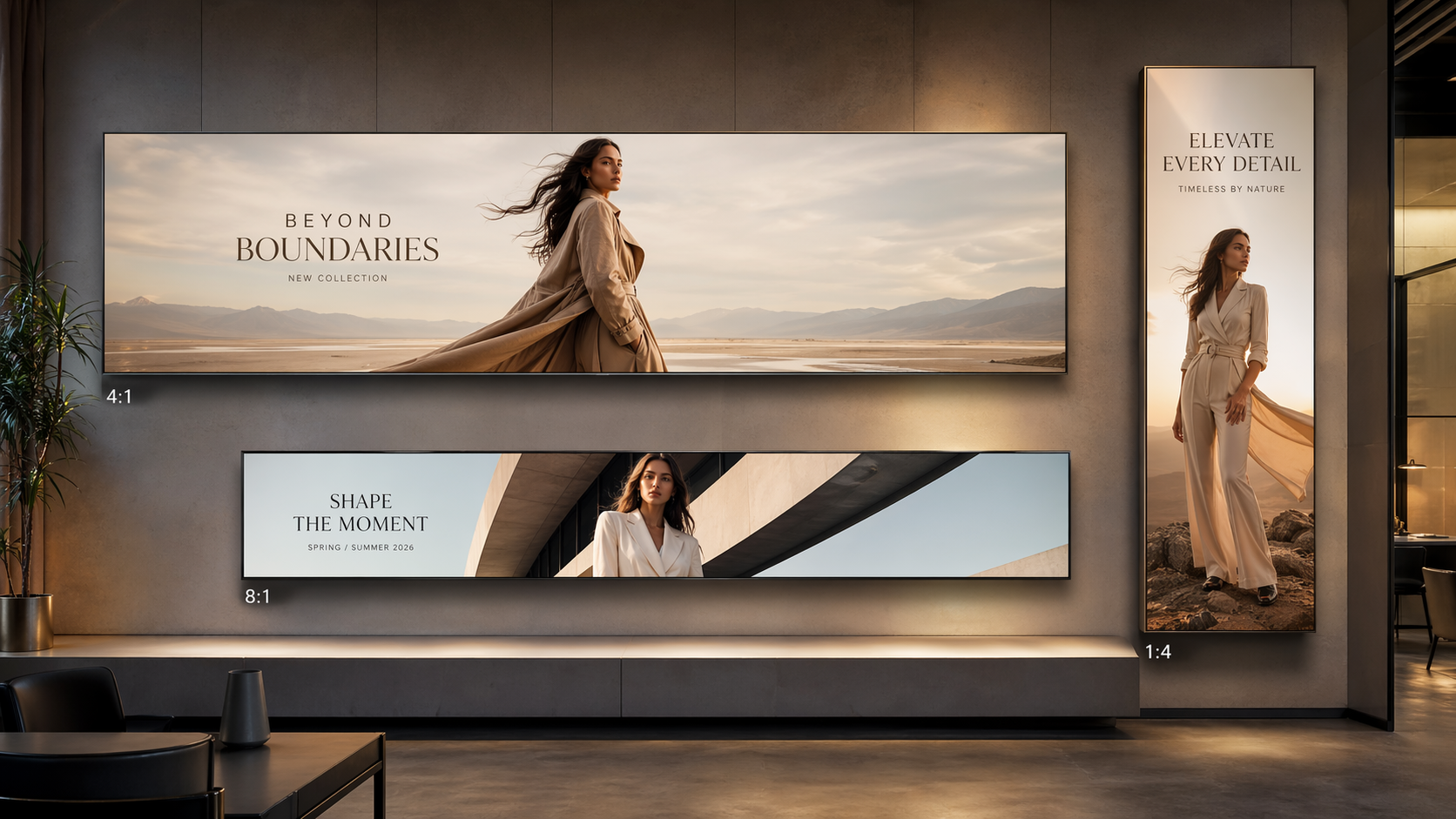
Canvas sizes

High Quality Images with Expanded Canvas Sizes

Create sharp, professional visuals with support for extra wide and vertical formats such as 4:1, 1:4, and 8:1. Ideal for ads, hero banners, social media, and cinematic compositions.

A premium campaign displayed across extra-wide and extra-tall creative formats.
Speed

Fast Generation Without Sacrificing Quality

GPT Image 2 is built for speed while still delivering polished results. Expect detailed lighting, cleaner textures, and strong visual quality in a fraction of the usual creation time.

A polished campaign image that communicates fast but high-quality creative output.
Real-world prompts

Smarter Understanding of Real World Prompts

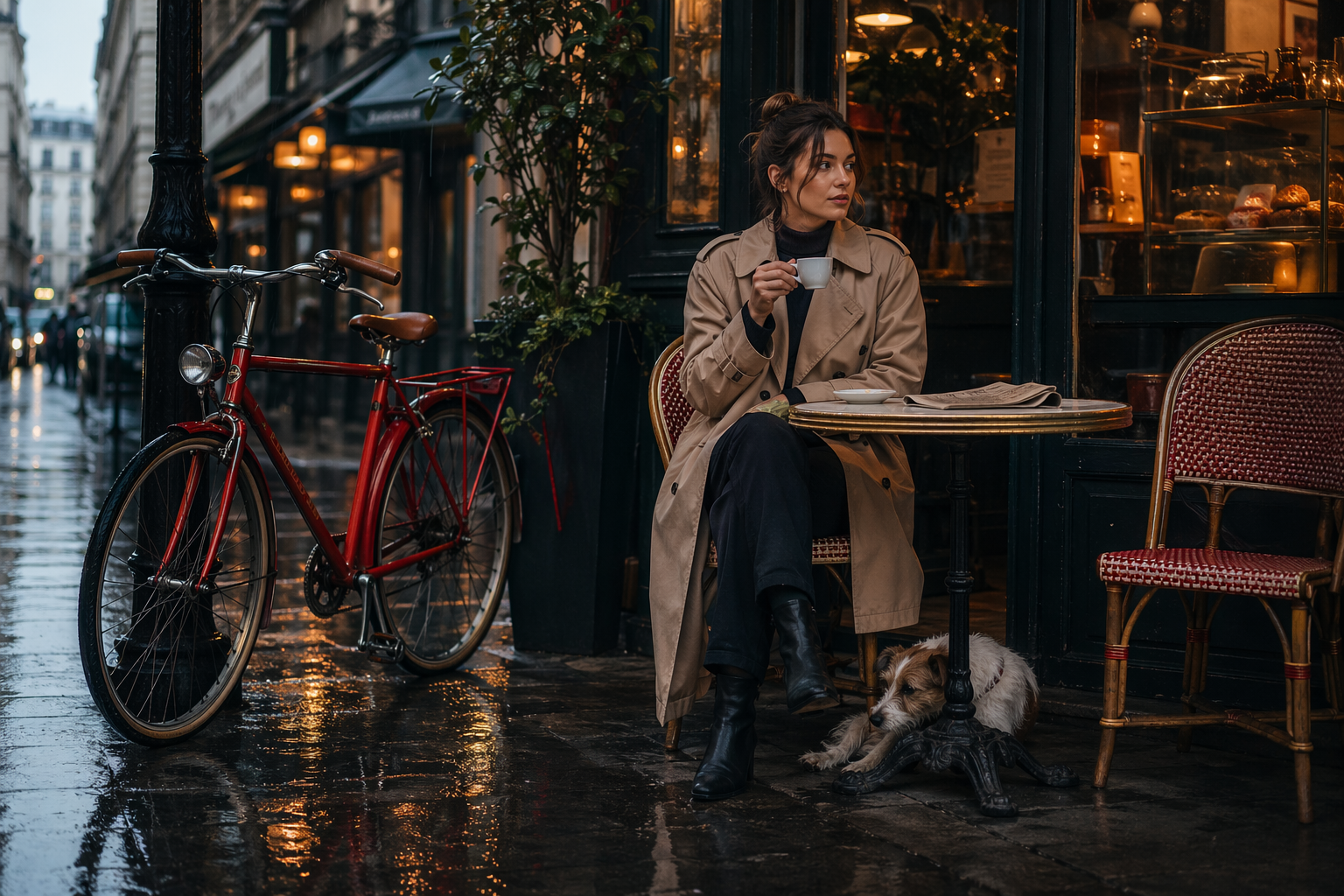
The model recognizes objects, environments, and context more naturally, helping turn prompts into images that feel accurate, relevant, and aligned with your intent.

A realistic cafe street scene with multiple objects placed naturally and accurately.
In-image text

Clear and Reliable Text Inside Images

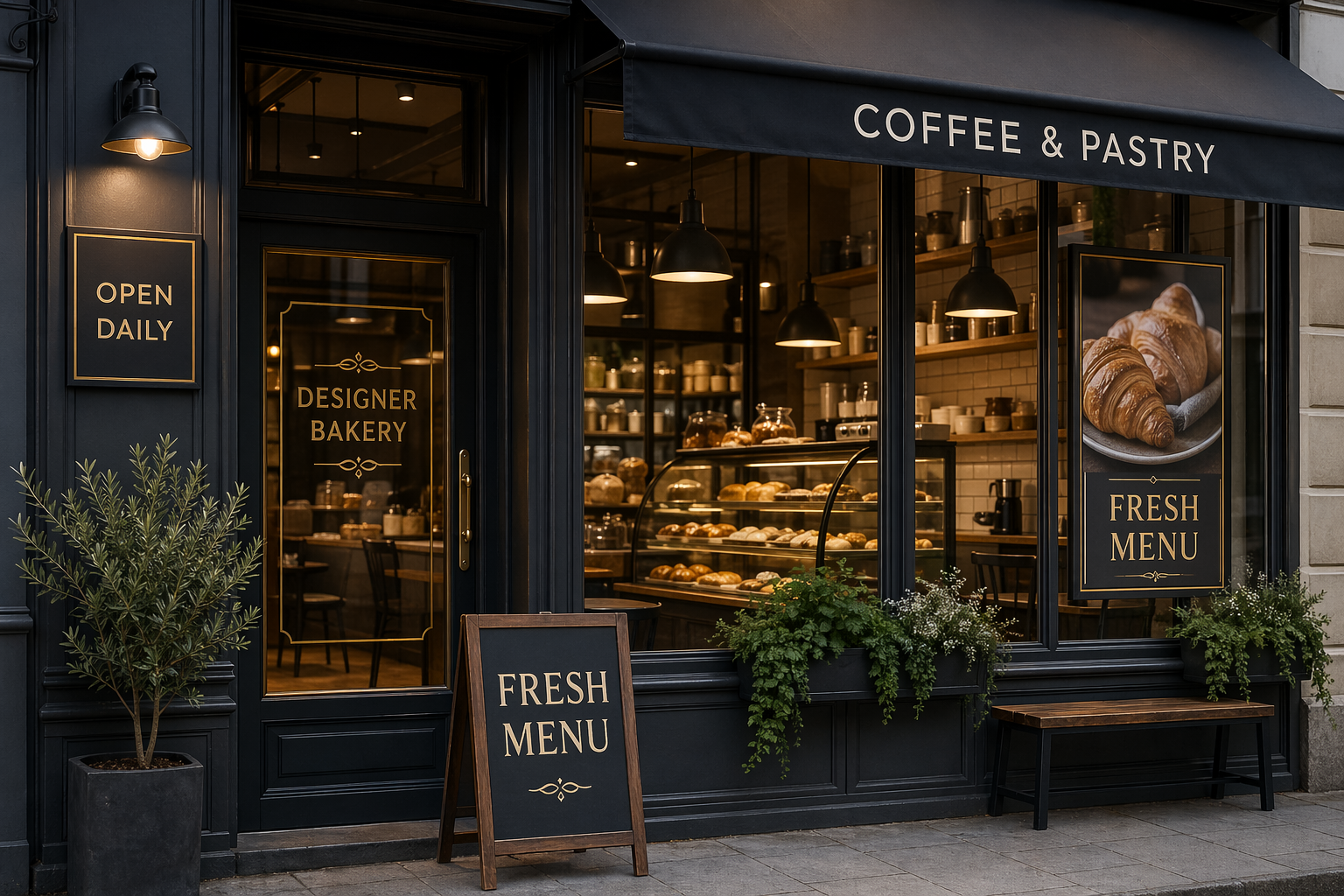
Generate visuals that include readable text elements such as headlines, labels, posters, menus, and interface components with stronger consistency and localization support.

A premium storefront scene with readable signage and in-image text.
Character consistency

Consistent Characters and Objects Across Scenes

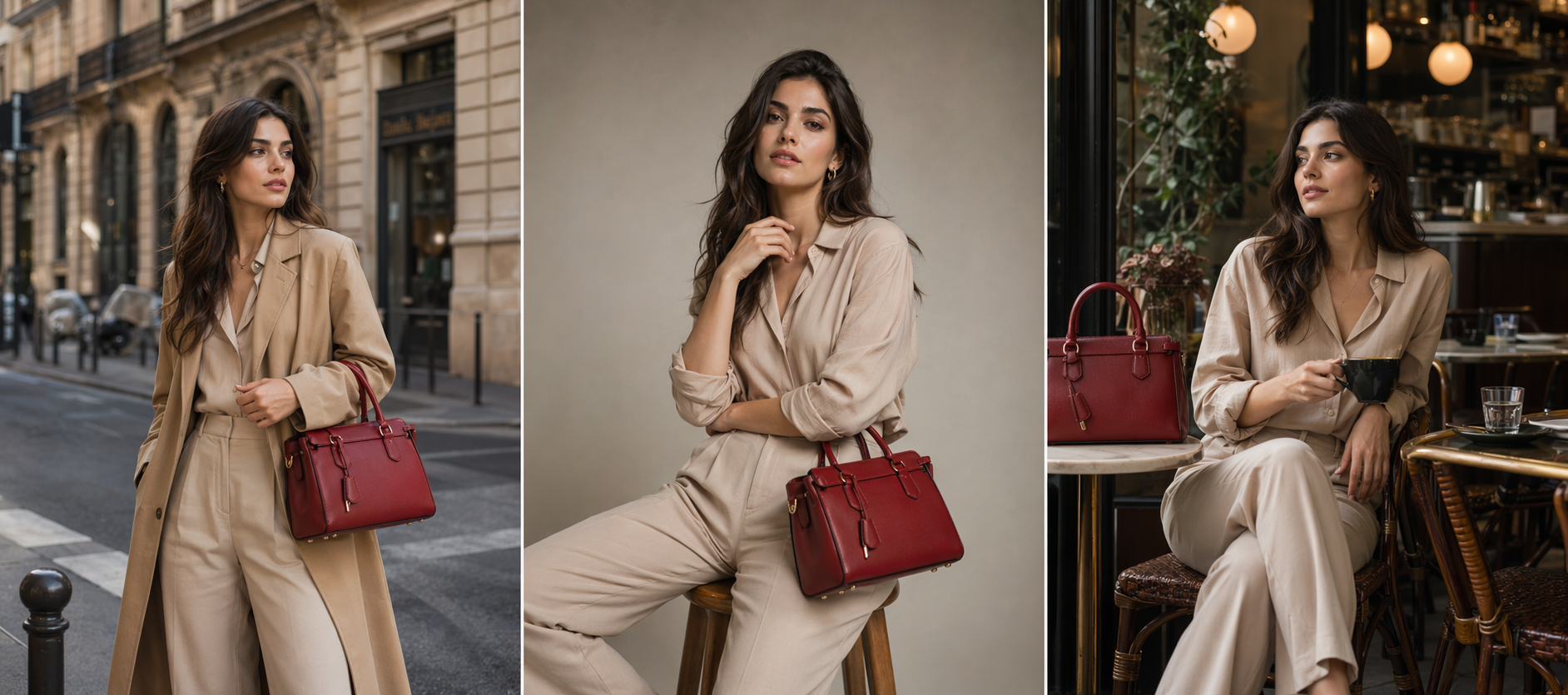
Keep the same look and identity across multiple images. Perfect for storyboards, campaigns, product sequences, comics, and recurring branded characters.

A storyboard style image showing the same character and accessory consistently across multiple scenes.
Prompt accuracy

Better Prompt Accuracy and Creative Control

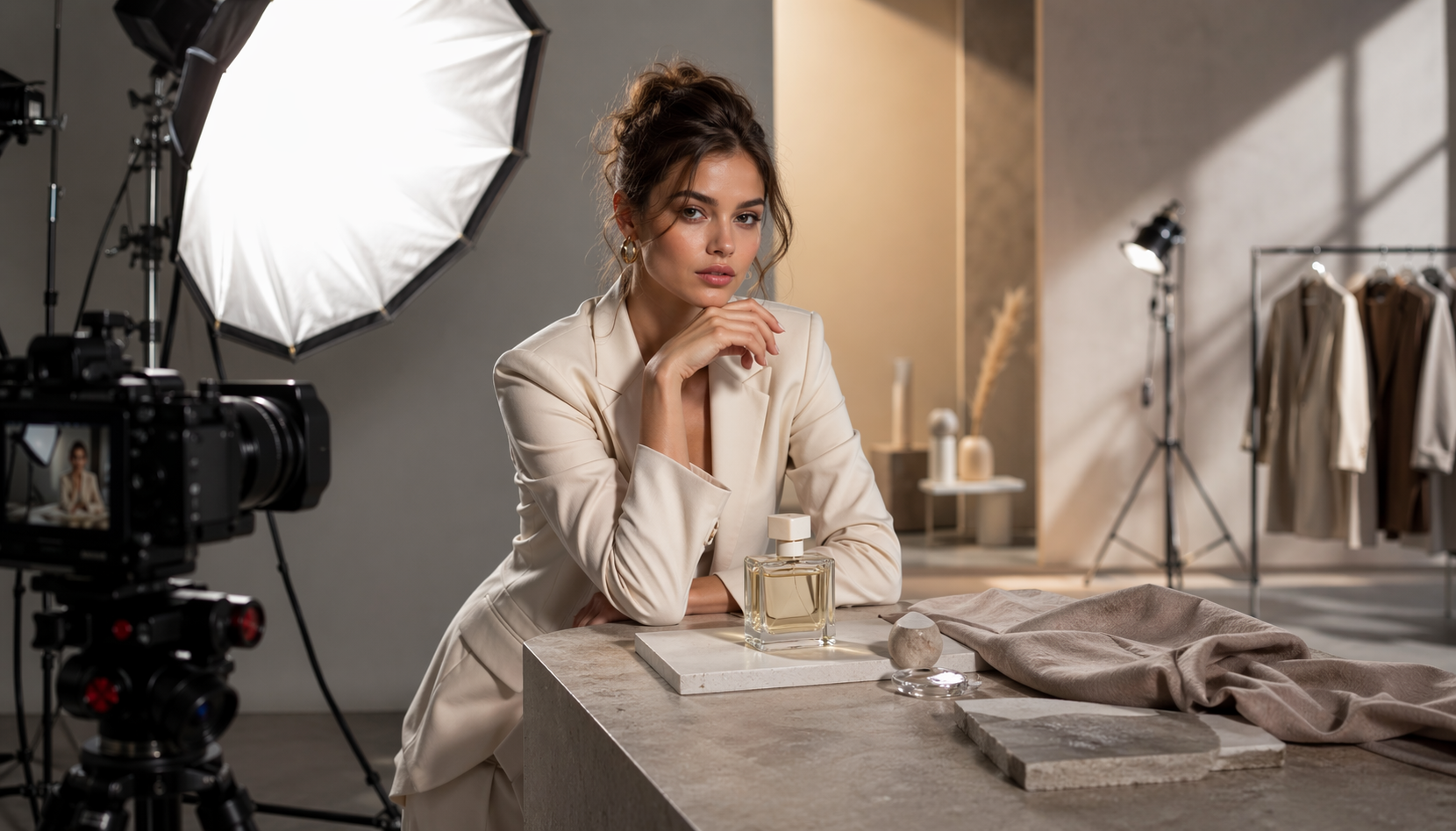
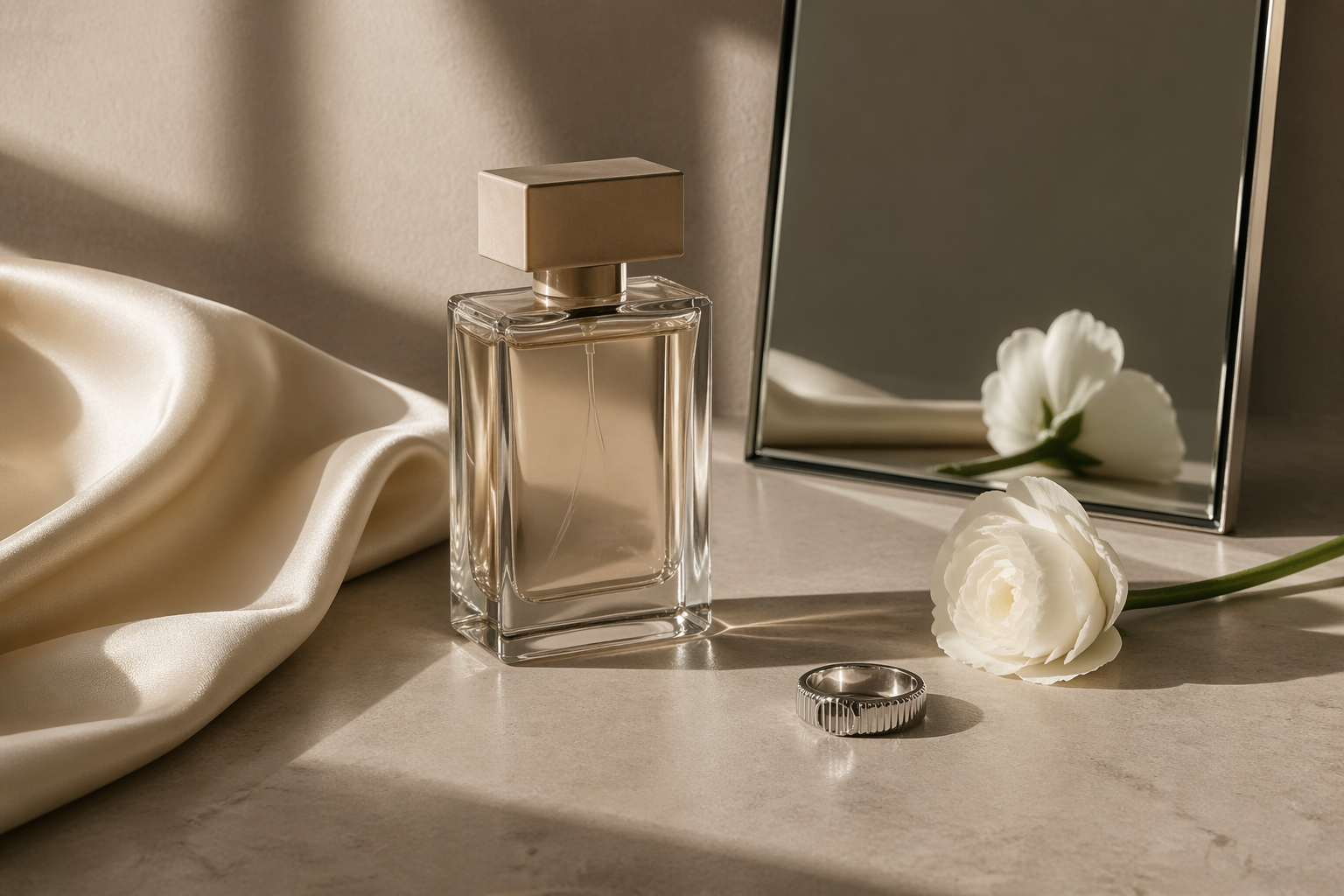
Complex instructions are followed more precisely, giving you greater control over layout, style, composition, and fine details while reducing trial and error.

A luxury still life scene with precisely arranged objects and tightly controlled composition.
Modern workflows

Built for Modern Creative Workflows

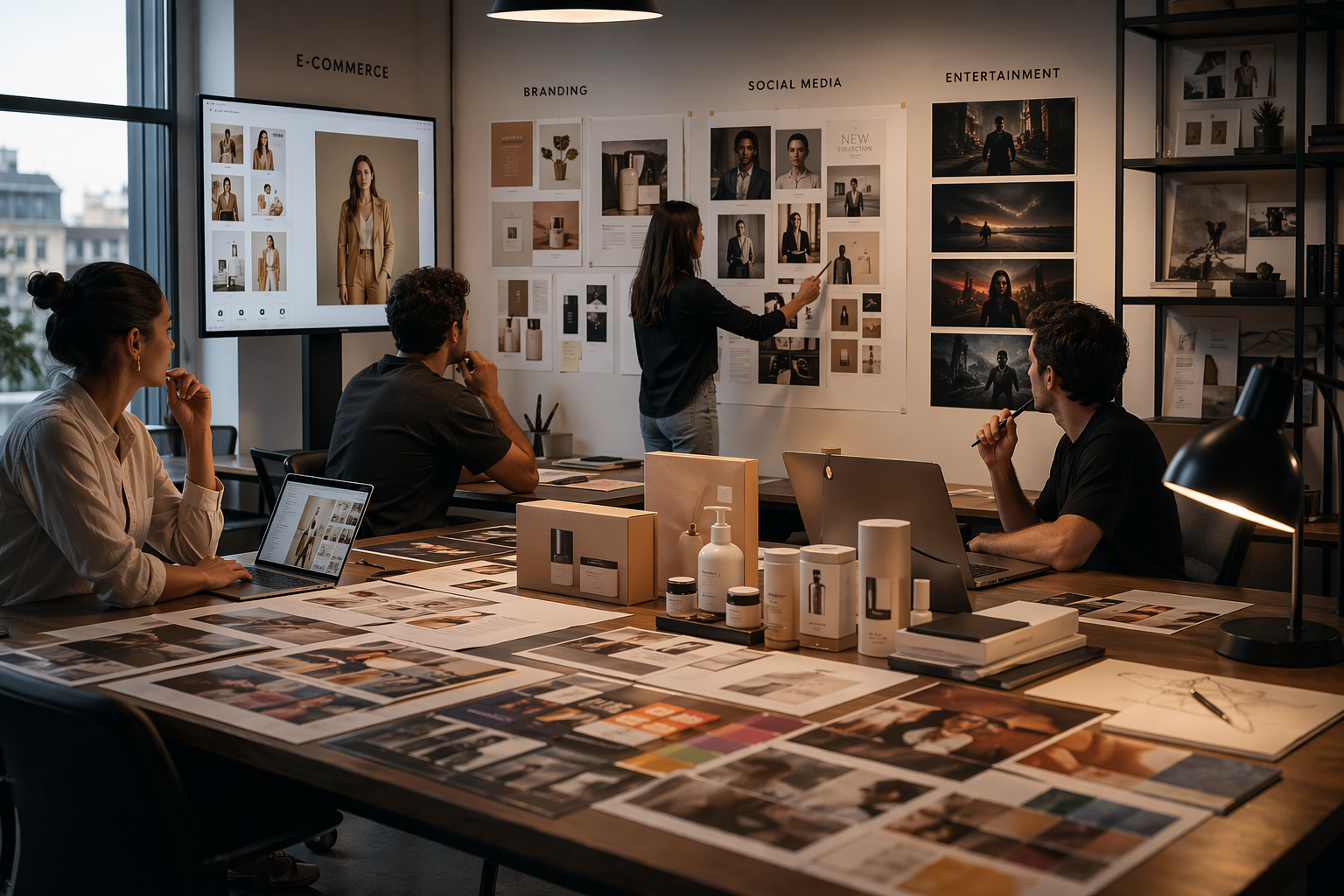
Whether you are designing content for marketing, e commerce, branding, entertainment, or social media, GPT Image 2 on Artinox.ai helps move from idea to finished visual faster.

A refined creative studio showing outputs for branding, social, ecommerce, and campaign work.
Get started free

How to Start Using GPT Image 2 for Free on Artinox.ai

100 free credits for every new user
01

Step 1 - Create Your Free Account

Sign up on Artinox.ai and get started in minutes. Every new user receives 100 free credits immediately after registration, making it easy to explore GPT Image 2 at no cost.

02

Step 2 - Open GPT Image 2 and Start Testing

Once inside the platform, choose GPT Image 2 and begin creating images right away. Test prompts, experiment with styles, and explore the model capabilities before upgrading or scaling usage.

03

Step 3 - Create from Text or Edit Existing Images

Use GPT Image 2 for text to image generation or transform existing images with editing tools. The platform is built to make high quality creation simple, fast, and beginner friendly.

04

Step 4 - Upgrade Only When You Need More

Your free credits are perfect for trying the platform and seeing results first. When you need additional generations, you can choose a plan that matches your workflow.

What you can create

What You Can Create with GPT Image 2

01

Create Impossible Selfies

Turn ordinary selfies into attention grabbing visuals by changing backgrounds, adding unexpected elements, or transforming the overall style while keeping your identity recognizable.

02

Blend Multiple Photos into One Scene

Combine separate images into a single natural looking composition. Great for creative edits, storytelling, mood boards, and social media content.

03

Turn Photos into Figurines or Characters

Transform real photos into collectible style figures, stylized avatars, or character inspired artwork while preserving the subject core look and personality.

04

Try New Looks Instantly

Experiment with different hairstyles, outfits, makeup styles, or visual aesthetics from one photo. Perfect for style exploration, inspiration, and fun transformations.

05

Build Shareable Social Content

Create scroll stopping images designed for TikTok, Instagram, ads, and campaigns with fast iterations and creative flexibility.

06

Bring Ideas to Life in Seconds

From playful concepts to polished brand visuals, GPT Image 2 on Artinox.ai helps turn ideas into finished images quickly and easily.

Real examples

Real AI Images Made with GPT Image 2

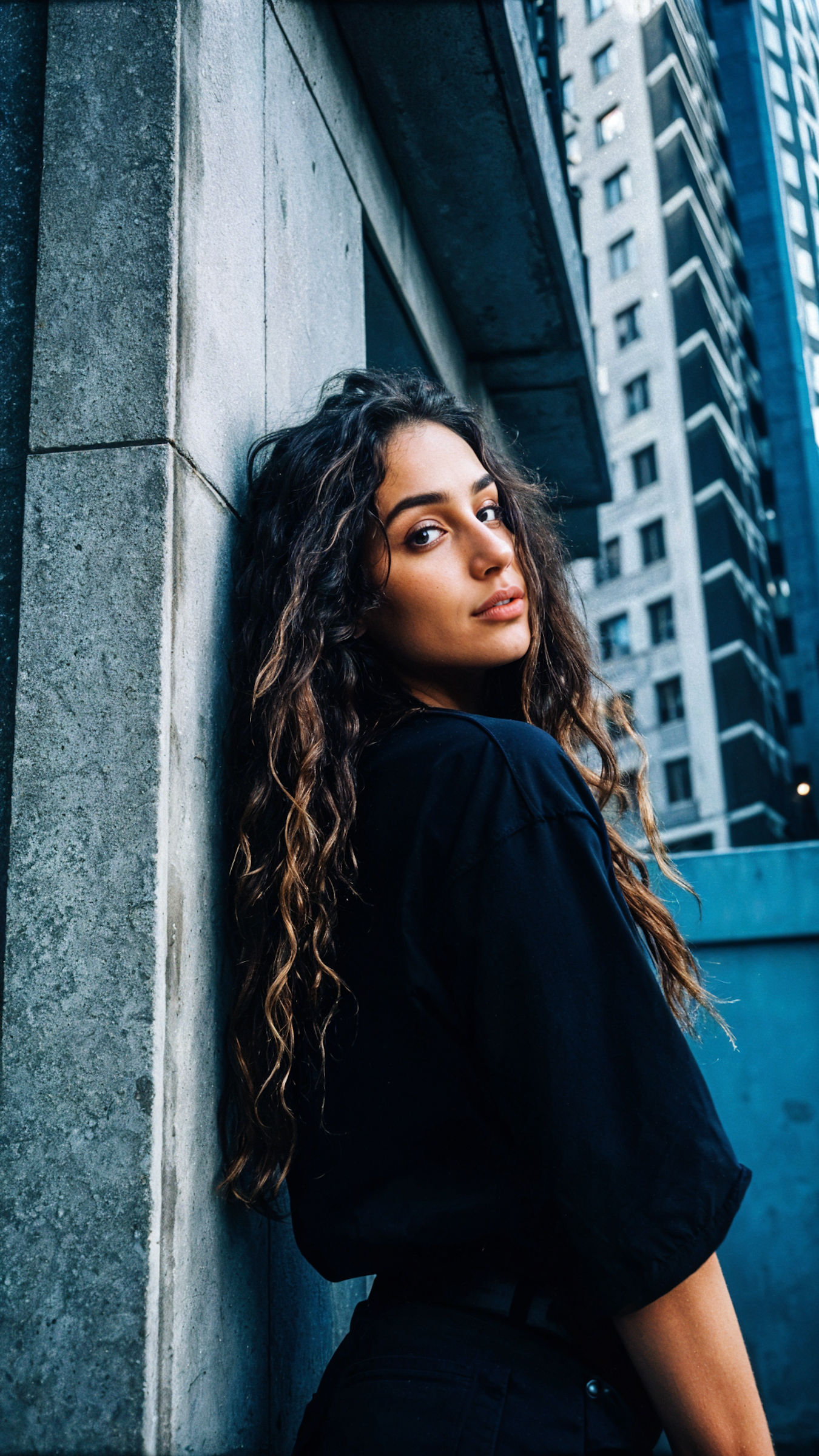
Portrait-led output with sharper style directionPortrait
Portrait-led output with sharper style direction

Community work that feels more editorial and campaign ready than a generic prompt-only result.

Workspace scenes that still feel polishedWorkspace
Workspace scenes that still feel polished

Useful for startup storytelling, landing pages, product explainers, and creator-led content.

Concept visuals for more experimental ideasConcept
Concept visuals for more experimental ideas

A strong fit when you want product-adjacent, tech, or futuristic compositions with clearer structure.

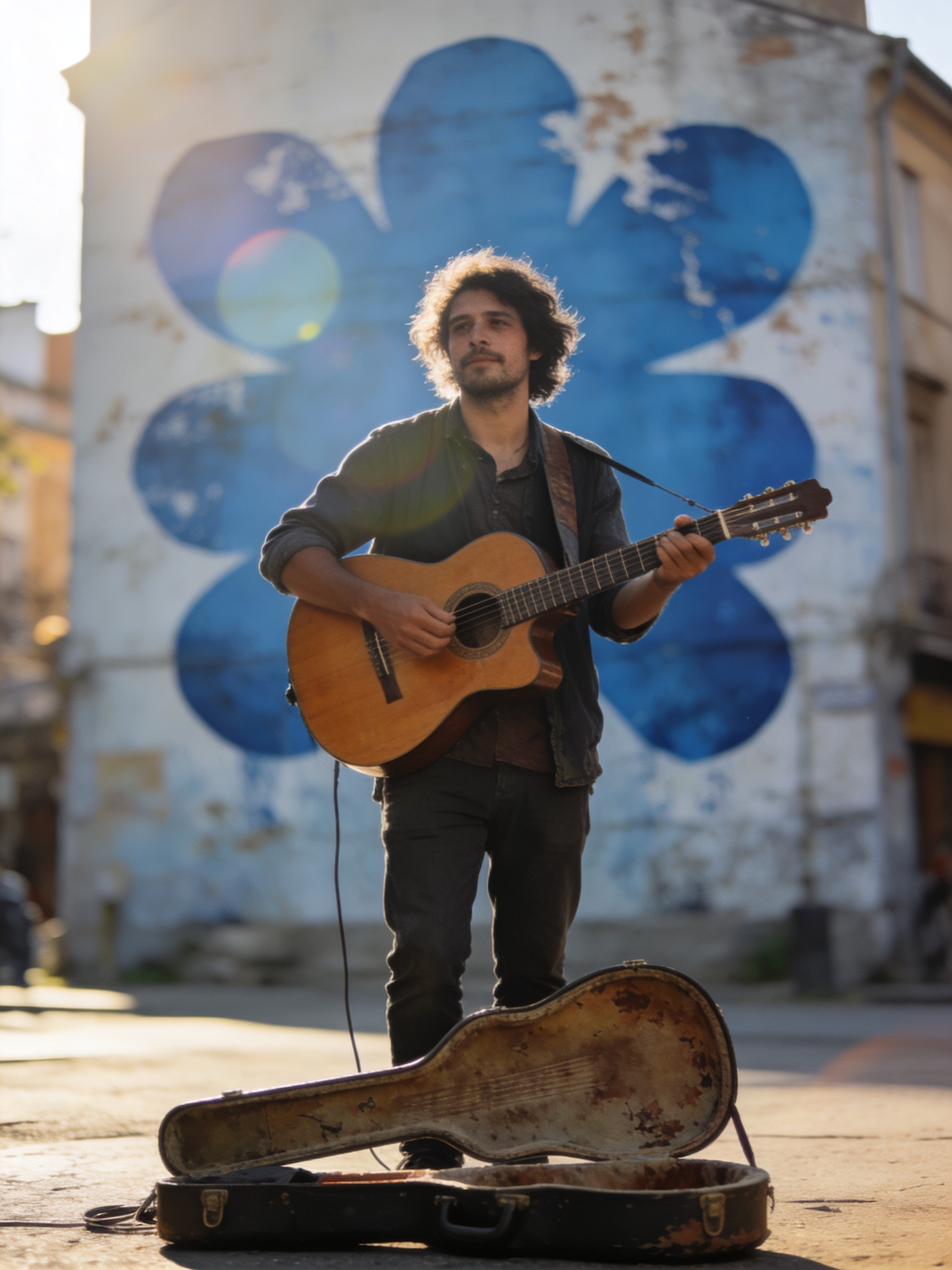
Lifestyle scenes with stronger atmosphereLifestyle
Lifestyle scenes with stronger atmosphere

Good for social storytelling, campaign testing, and finding a visual tone before a larger production.

FAQ

GPT Image 2 Frequently Asked Questions

Do I need design experience to use Beginner mode?
No. Beginner mode is designed for creators, founders, marketers, and teams that want strong results without navigating a full advanced control panel.
How many reference images should I add?
One to six clear references is the sweet spot. Use fewer, stronger references instead of filling every slot with mixed directions.
Can I turn a generated image into a video later?
Yes. Use the Create a video action after generation to move the result into the video workspace with the reference image already attached.
What does each Beginner generation cost?
The Beginner page currently uses 6 credits per generation, and the current credit cost is shown on the generate button before you run it.
When should I switch to the Pro page instead?
Use Pro when you need model choice, multi-reference control, overlays, advanced task modes, or more deliberate creative tuning.

Ready to create your next AI image?

If you already know the direction you want, jump back into the workspace above, add your references, and create the next image in a few clicks.
Open beginner mode