Skip to content
Artinox

Artinox is an AI creative studio for image generation, video generation, image-to-video workflows, prompt assistance, social content, background removal, and high-fidelity upscaling.

Create

  • AI Image Generator
  • AI Video Generator
  • Social Media Studio
  • Upscaling
  • Background Removal
  • Community

Explore

  • Guides
  • Models
  • Pricing
  • About
  • Contact
  • Popular guides
    • One-Click Pro
    • Prompt Guide
    • Seedance 2.0 Guide
    • Image to Video AI
  • Featured models
    • GPT Image 2
    • Nano Banana Pro
    • Seedance 2.0

Connect

contact@artinox.ai

Kadaka tee 42b, Mustamäe linnaosa
Tallinn, 12915, Estonia

Join the inner circle

© 2026 Artinox. Operated by LJ Capital OÜ.

ImprintCancellationEE Hub

AI Video Generator for Text-to-Video and Image-to-Video

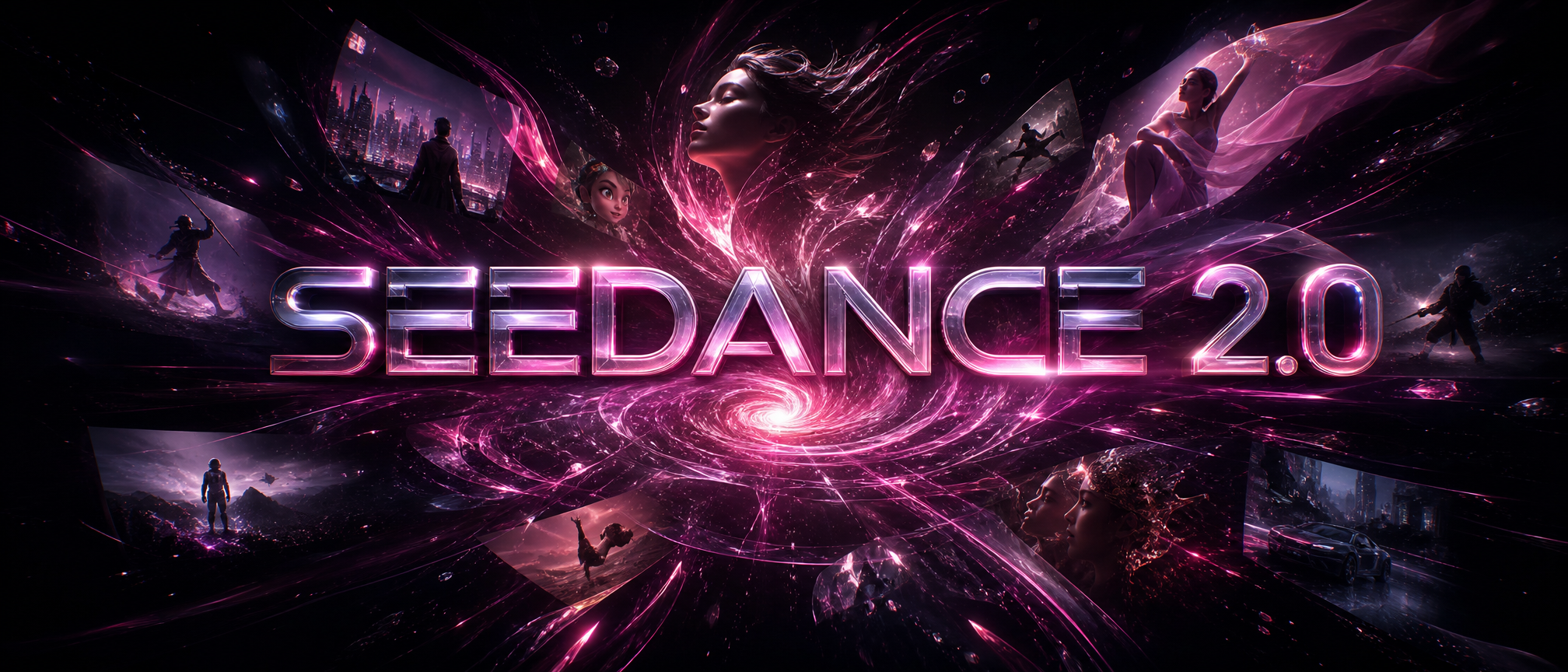
Seedance 2.0 banner
01

Choose your AI

02

Seedance 2.0 Frames

+
First FrameSupported formats: JPEG, JPG, PNG Maximum file size: 10MB
+
Last FrameMaximum file size: 10MB

Use the first and last frames as anchors. Add extra reference images, then optionally supply reference video and audio to steer the motion.

03

Output Settings

Duration8s

Estimated total: 328 credits. 480p and 720p pricing follows the selected duration and whether reference video is supplied.

04

Write your prompt

Click here and start typing your prompt.

Seedance 2.0 Prompt Preview

Use the first and last frames as anchors. ByteDance's multimodal AI video model is built for fast, realistic generation, supporting both real human and virtual avatar videos with strong consistency across multiple shots for natural cinematic results.

You can write prompts in any language.

06

Reference images

+
Click to upload or drag and drop
Supported formats: JPEG, JPG, PNG
Maximum file size: 10MB; Maximum files: 9

Use these as styling references. Add up to nine images to steer clothing, mood, color, and pose language.

07

Reference video

+
Click to upload or drag and drop
Supported formats: MP4, QUICKTIME, X-MATROSKA
Maximum file size: 10MB; Maximum files: 3

Optional motion reference. Add short clips when you want movement, pacing, or gesture timing to influence the output.

08

Reference Audio

+
Click to upload or drag and drop
Supported formats: MPEG, WAV, X-WAV, AAC, MP4, OGG
Maximum file size: 10MB; Maximum files: 3

Optional audio reference. Use this if you want the model to follow ambient tone, pacing, or synced sound direction.

09

Generate Audio

Whether to generate AI audio synchronized with the video.

05

One-Click Pro

Off

Turn your idea into a polished video prompt

Describe the video you want in plain words. Add images for products, characters, logos, places, or style, and we will shape everything into a clear creation prompt with the exact image order to use.

AI Video Model

Seedance 2.0 AI Video Generator

Use Seedance 2.0 when the result needs stronger reference control. It is the right model for first-frame and last-frame transitions, product transformations, multi-reference brand scenes, and motion concepts where the opening and ending should be planned before generation.

One-Click PRO

Turn a simple idea into a stronger Seedance 2.0 prompt

Seedance 2.0 is most powerful on Artinox because One-Click PRO does the prompt-building work for you. Write a simple idea, add references when needed, and Artinox prepares the cinematic structure, camera movement, timing, and consistency rules before you render.

seedance-216:98s720p
Visual Control

Start Seedance 2.0 videos from a clear opening frame

Use the start frame to lock the subject, composition, lighting, wardrobe, and scene style before motion begins. This is the right approach when the workspace shows both a start frame and an end frame upload.

Directed Motion

Plan the final frame before rendering the clip

The end frame gives the model a concrete destination. It helps the motion move toward a usable hero composition instead of drifting away from the campaign subject.

Workflow

How to get better results with Seedance 2.0

Start with a plain-language idea, use One-Click PRO to prepare the full Seedance 2.0 prompt, then choose the references, aspect ratio, duration, and motion direction before rendering.

Capabilities

Why choose Seedance 2.0 on Artinox

One-Click PRO prompt building, first/last-frame transformations, multi-reference product scenes, premium fashion motion, campaign teasers, and fast approved-reference workflows.

One-Click PRO turns a simple idea into a structured Seedance 2.0 prompt with scene logic, timing, camera direction, and consistency rules.

Supports first-frame and last-frame planning for controlled transitions.

Seedance 2 Fast is the lower-latency variant for iteration.

Best results come from clear visual references, simple motion beats, and Artinox prompt preparation before rendering.

Examples

Seedance 2.0 visual planning examples

Use these examples to understand the input style that matches this model in the Artinox workspace.

Model Example
Start Frame
End Frame
Workflow
SEO Target

Seedance 2.0 AI video generator

Seedance 2 first and last frameSeedance 2 image to videoSeedance 2 Fastmulti reference AI video generator
Why use Seedance 2.0 on Artinox?

Artinox adds One-Click PRO for Seedance 2.0, so you can enter a simple idea and let the workspace prepare a stronger cinematic prompt with camera movement, timing, visual logic, and consistency rules.

When should I use Seedance 2.0?

Use it when start and end frames, references, or a planned transformation matter more than a simple one-shot text-to-video clip.

Should I use Seedance 2.0 or Seedance 2.0 Fast?

Use Seedance 2.0 Fast while exploring the idea. Use the standard Seedance 2.0 option when the prompt, references, and framing are ready for the final render.

Ready to create with Seedance 2.0?

Select the model in the workspace, upload the start and end frames, choose the aspect ratio, and create your next AI video from the same page.

Back to workspace